Add your first bike
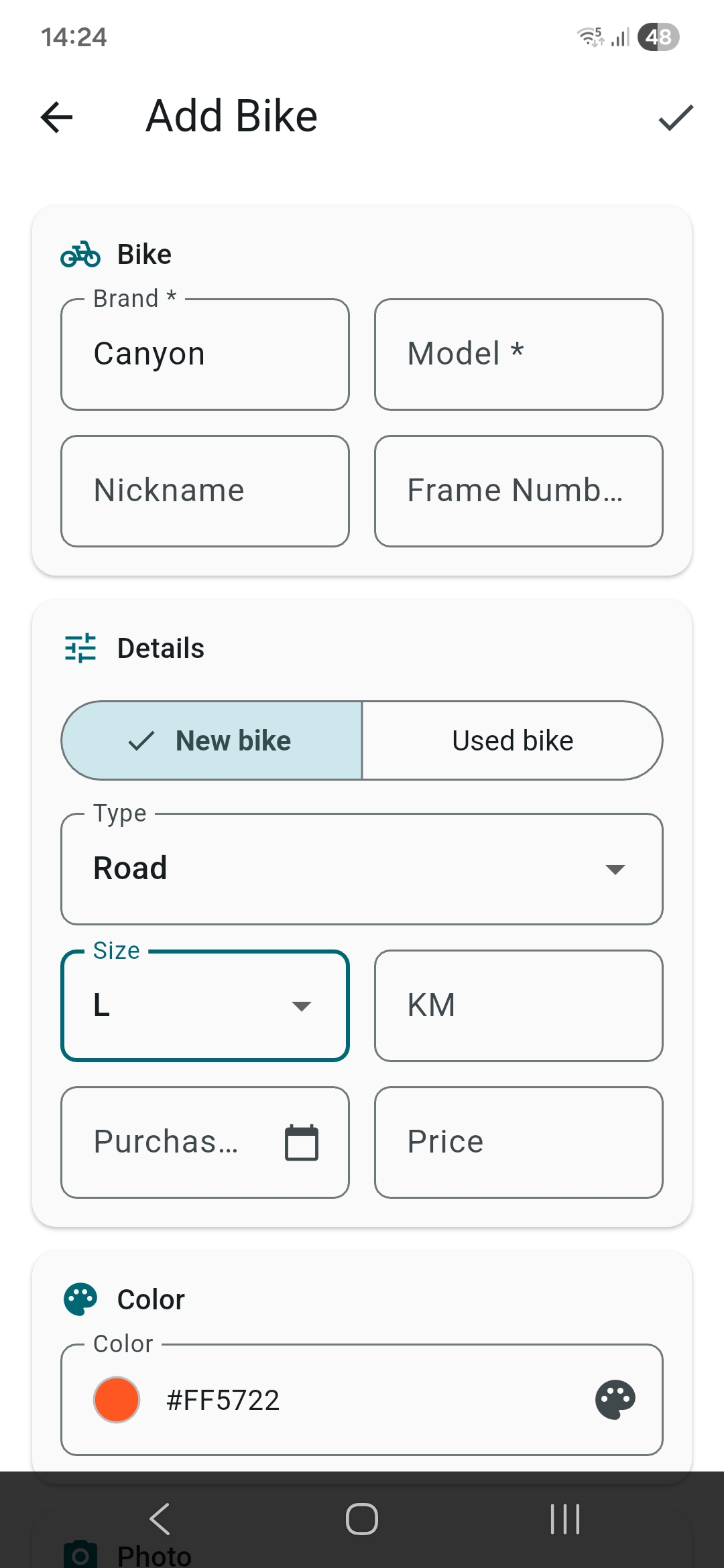
Tap the + button on the home screen. Choose brand and model from 183 brands and 28 types, pick a color, add a photo. That's it, your bike is registered.
Add components
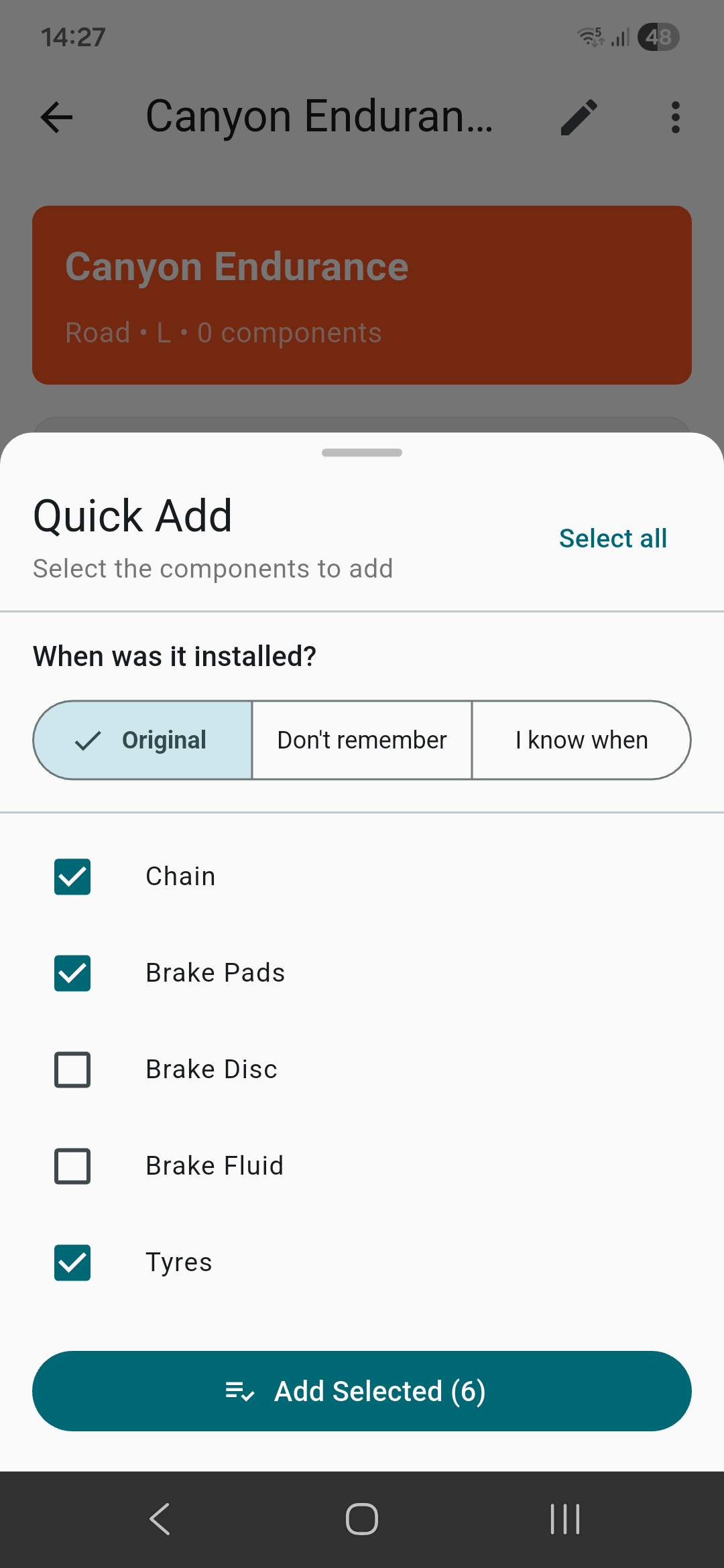
Open your bike and tap "Add Component" for a single part, or "Quick Add" to add many at once. Quick Add pre-selects the essential components for your bike type (chain, brake pads, tires...) and lets you check or uncheck what you need. For a new bike everything starts from zero automatically. For a used bike you choose per component: "Original" (on the bike since purchase), "I don't remember" (estimates halfway through its life) or "I know the date" (you enter it manually).
Log mileage
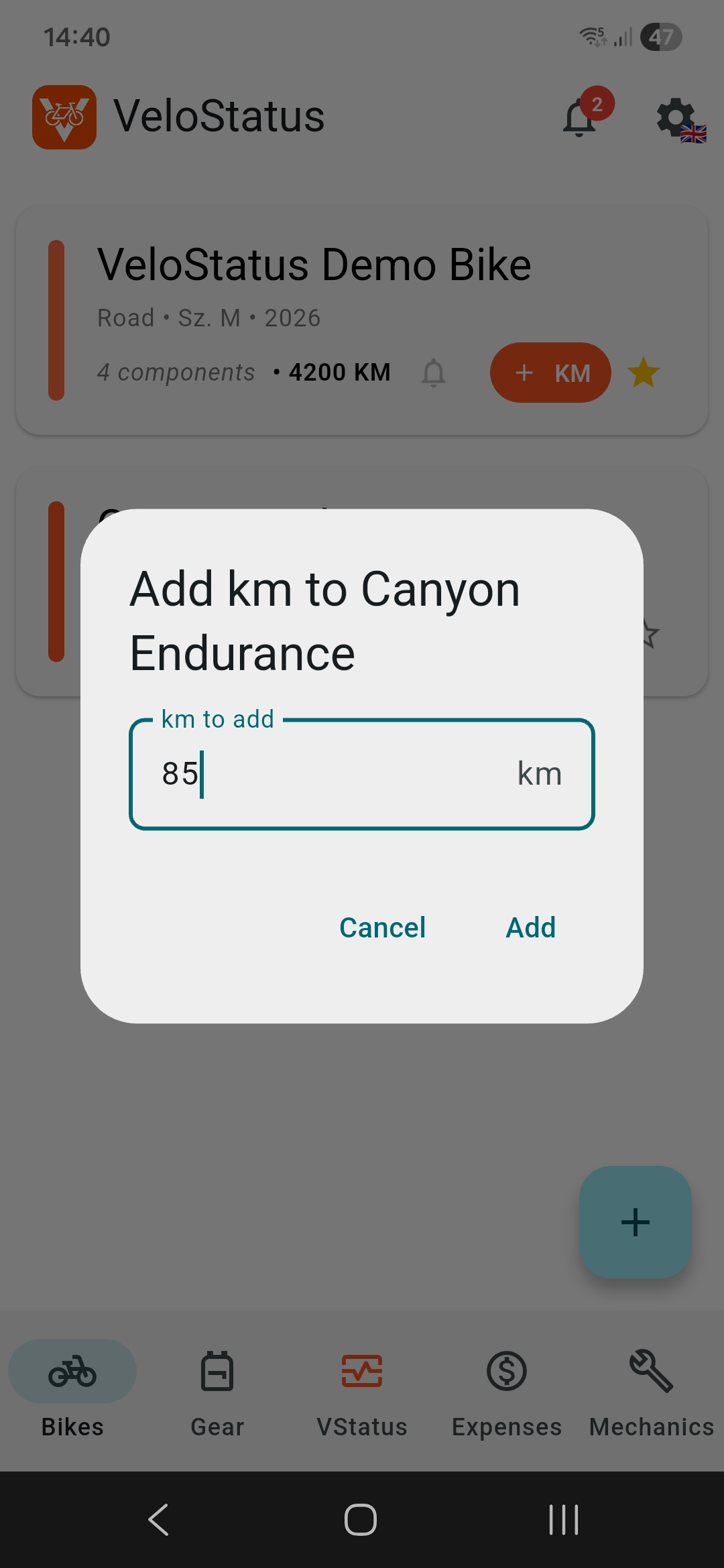
See that orange +km button on every bike card? That's your best friend. After a ride, a race, or even a quick spin around the block — tap it, enter the distance and you're done. VeloStatus tracks total km, average per bike and your most-used bike. It's oddly satisfying to watch the numbers grow.
Replace or service a component
When you replace a chain or get your bike serviced, tap the component and choose "Replace" or "Service". The timer and km reset, and the action is saved in the history.
Maintenance alerts
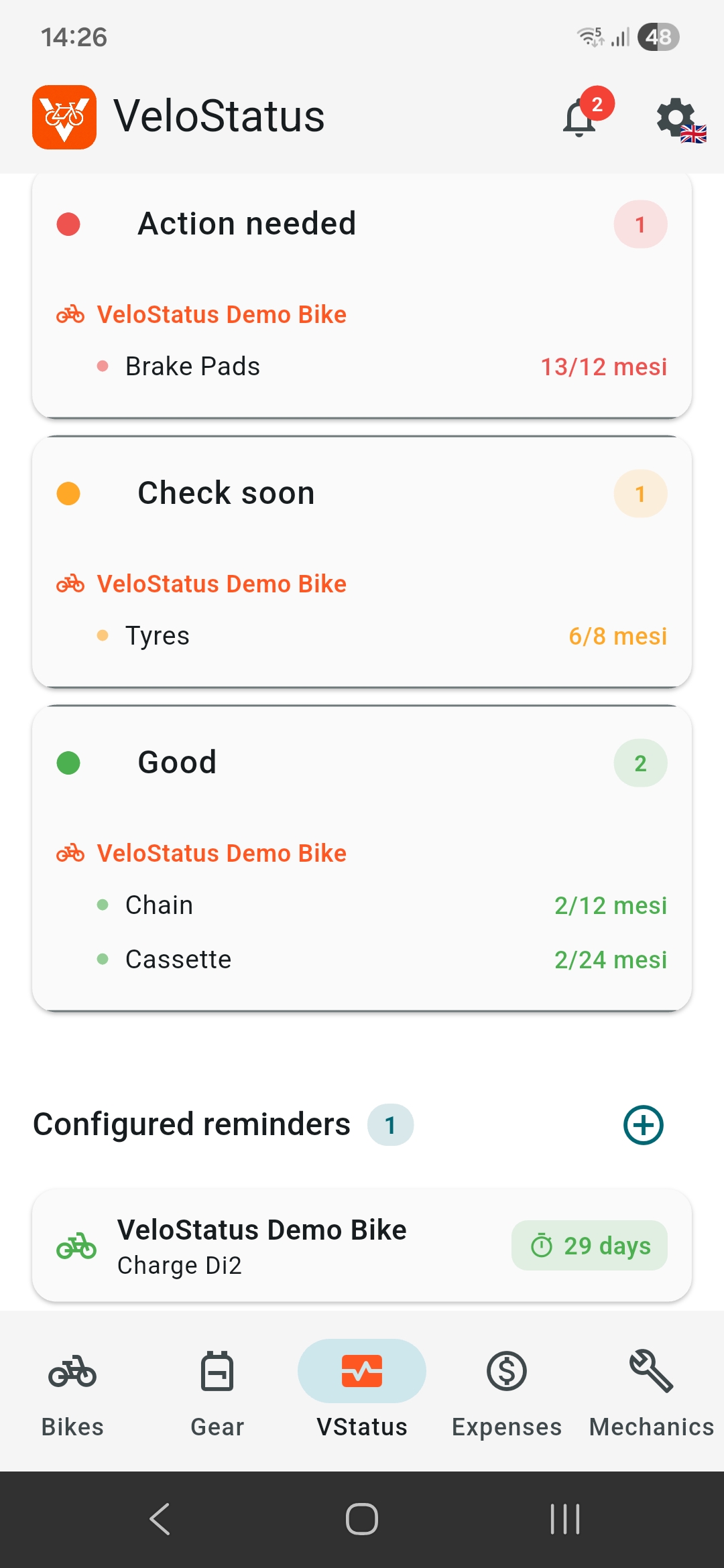
VeloStatus monitors each component's age and km. When a threshold is reached you get an alert, both in the app and as a notification. Color-coded: green is good, yellow means check, red means replace.
Gear & Accessories
Track helmet, shoes, glasses, bike computer and more. Each item has its own color, photo and custom reminder. 20 types, 76 brands.
PDF Report
Generate a complete PDF of your bike: components, history, photos. You can hide prices with a toggle — perfect to share with your mechanic without showing costs.
Backup & Restore
Create a complete backup (ZIP) with one tap and share it anywhere. Restore on any device. Your data, photos and settings are all included. Free for everyone.
Mechanics
Save your trusted mechanics with phone, email and map location. Call, email or navigate with one tap. All info in one place.
Statistics & Expenses
VeloStatus shows you the big picture: total km, maintenance status, configured reminders. The expense screen breaks down costs per bike and per component, with a timeline chart.